Tutorials
Installation
Use the following R code to install the development version of the PinPath package:
# install "remotes" package
install.packages("remotes")

# Install PinPath from GitHub
remotes::install_github("SyNUM-lab/PinPath")
Quick start
First, load necessary packages and data:
# Load packages
library(PinPath)
library(rWikiPathways)
library(org.Hs.eg.db)

# Load example data
lung_expr <- read.csv(
system.file("extdata", "data-lung-cancer.csv", package="PinPath"), stringsAsFactors = FALSE)
Now, you can plot the data onto the Non-small cell lung cancer (WP4255) pathway:
# Select pathway
infile <- rWikiPathways::getPathway("WP4255")

# Draw pathway
pathVis <- PinPath::drawGPML(
  infile = infile,
  annGenes = "org.Hs.eg.db",
  inputDB = "ENSEMBL",
  featureIDs = lung_expr$GeneID,
  colorVar = lung_expr[,"log2FC"],
  colorNames = "logFC",
  nodeTable = TRUE,
  legend = TRUE)
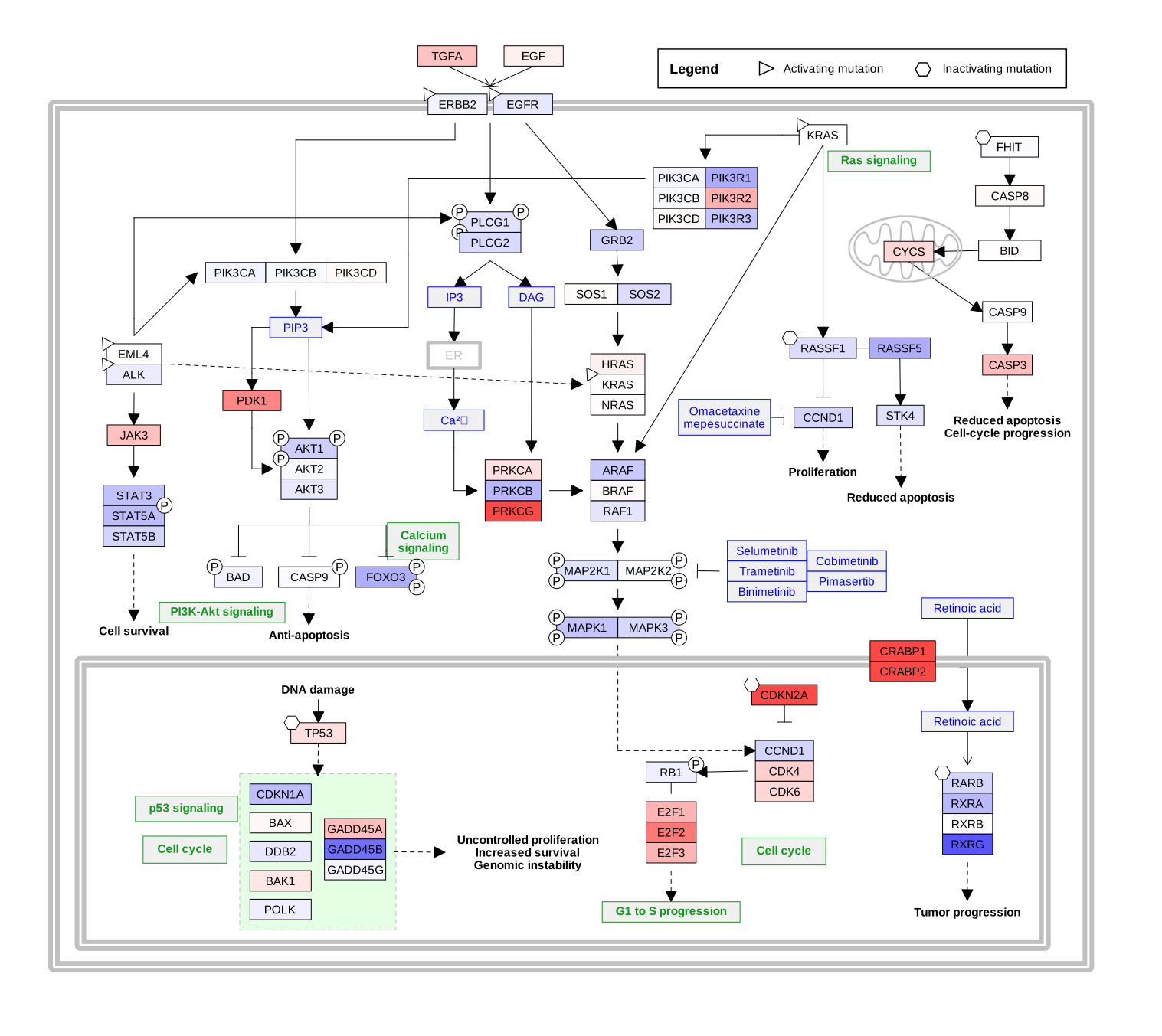
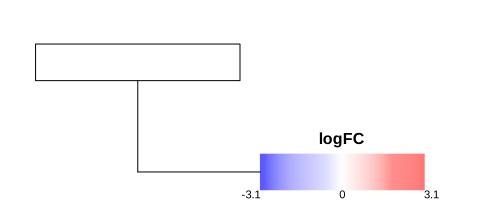
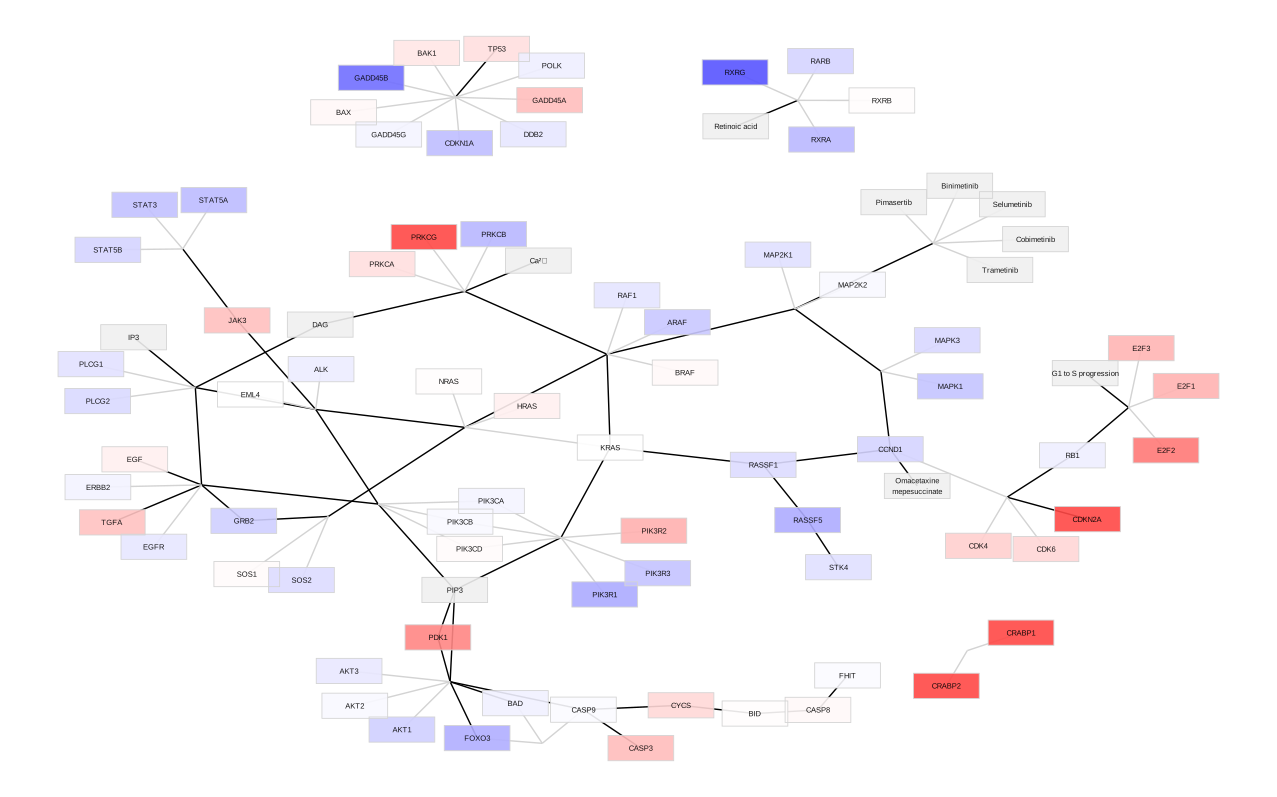
You can also plot the pathway as a network:
pathVis <- PinPath::GPML2Network(
  infile = infile,
  annGenes = "org.Hs.eg.db",
  inputDB = "ENSEMBL",
  featureIDs = lung_expr$GeneID,
  colorVar = lung_expr[,"log2FC"],
  colorNames = "logFC",
  nodeTable = TRUE,
  legend = TRUE)